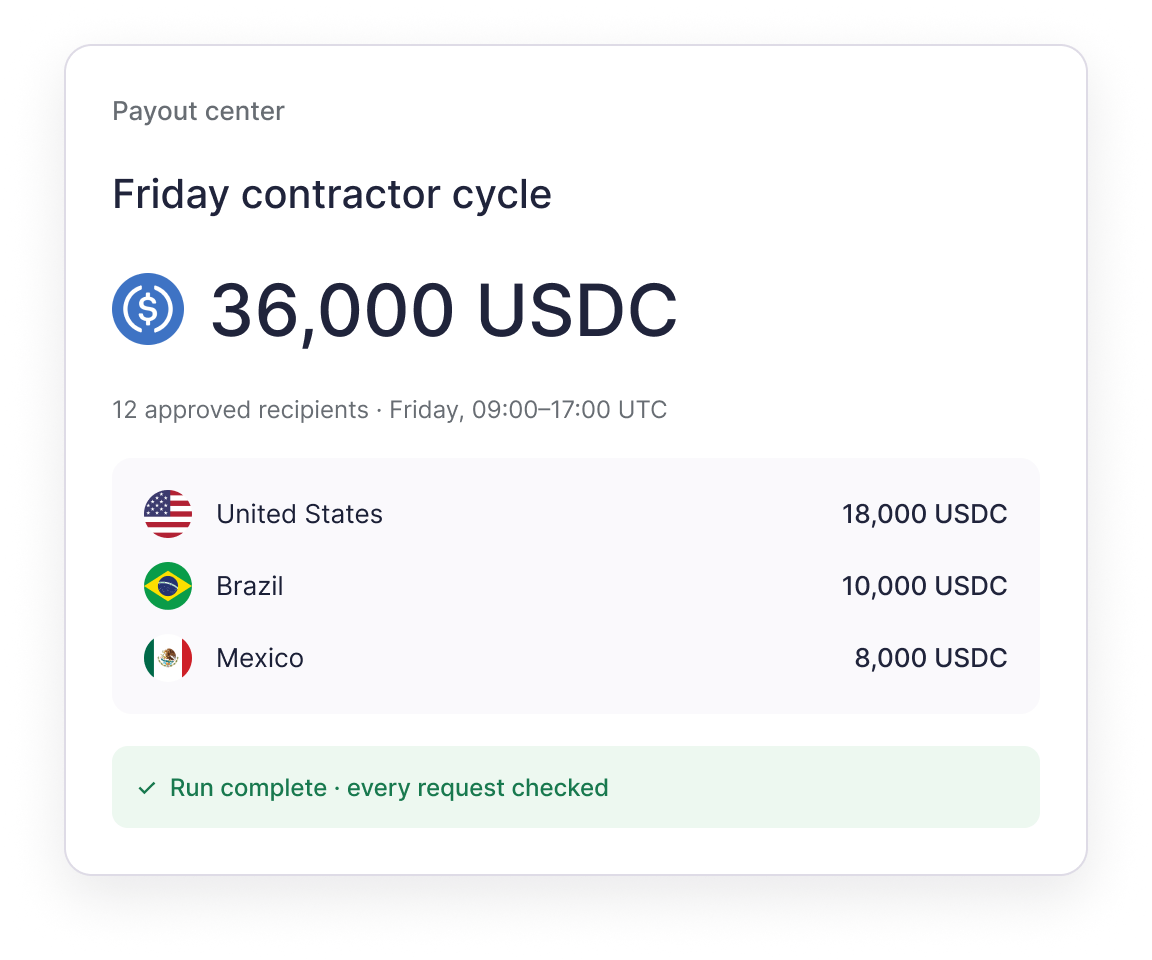
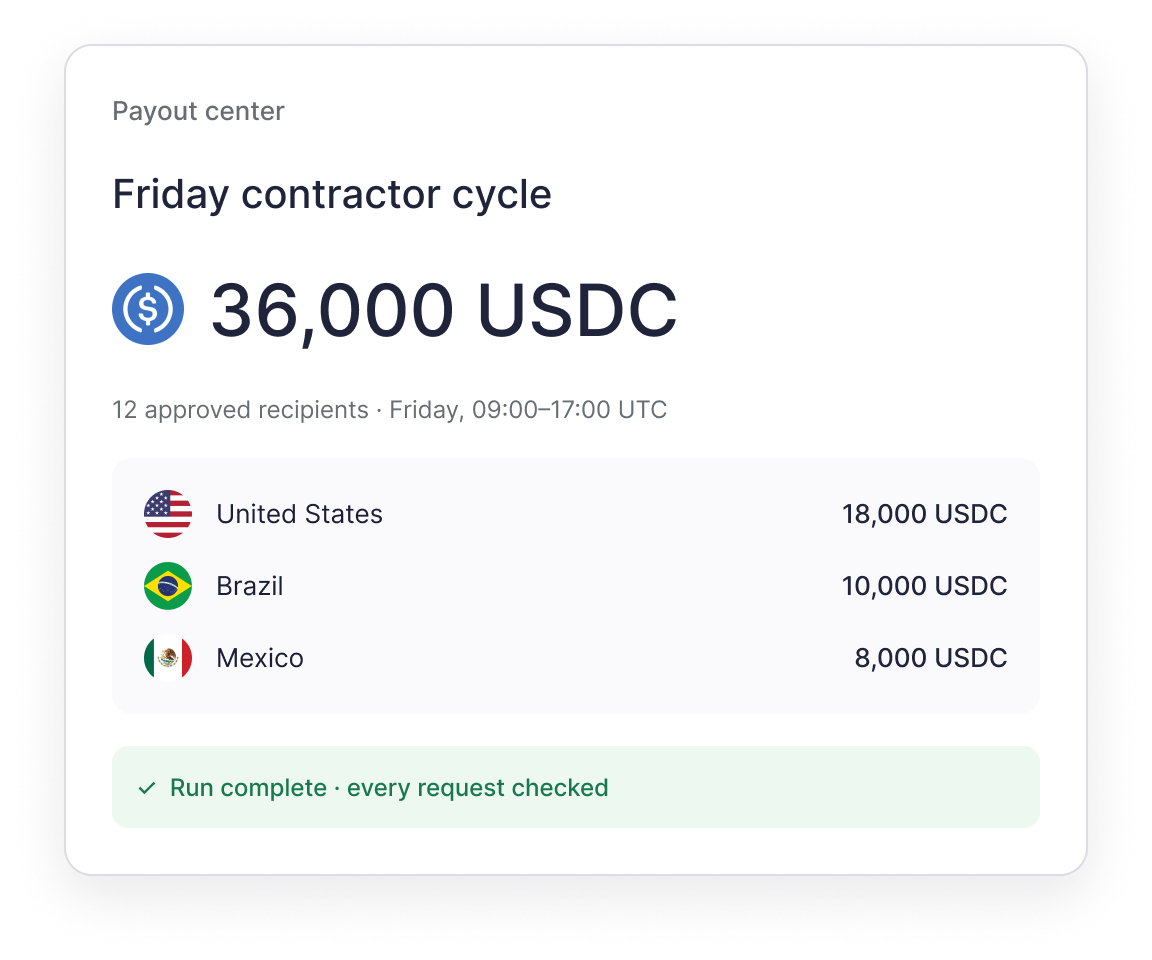
Run stablecoin payouts with rules your team sets
Run stablecoin payouts with rules your team sets
Make payout day a controlled product flow
Prepare an approved run once, then let your product request the payments. The wallet checks every request.
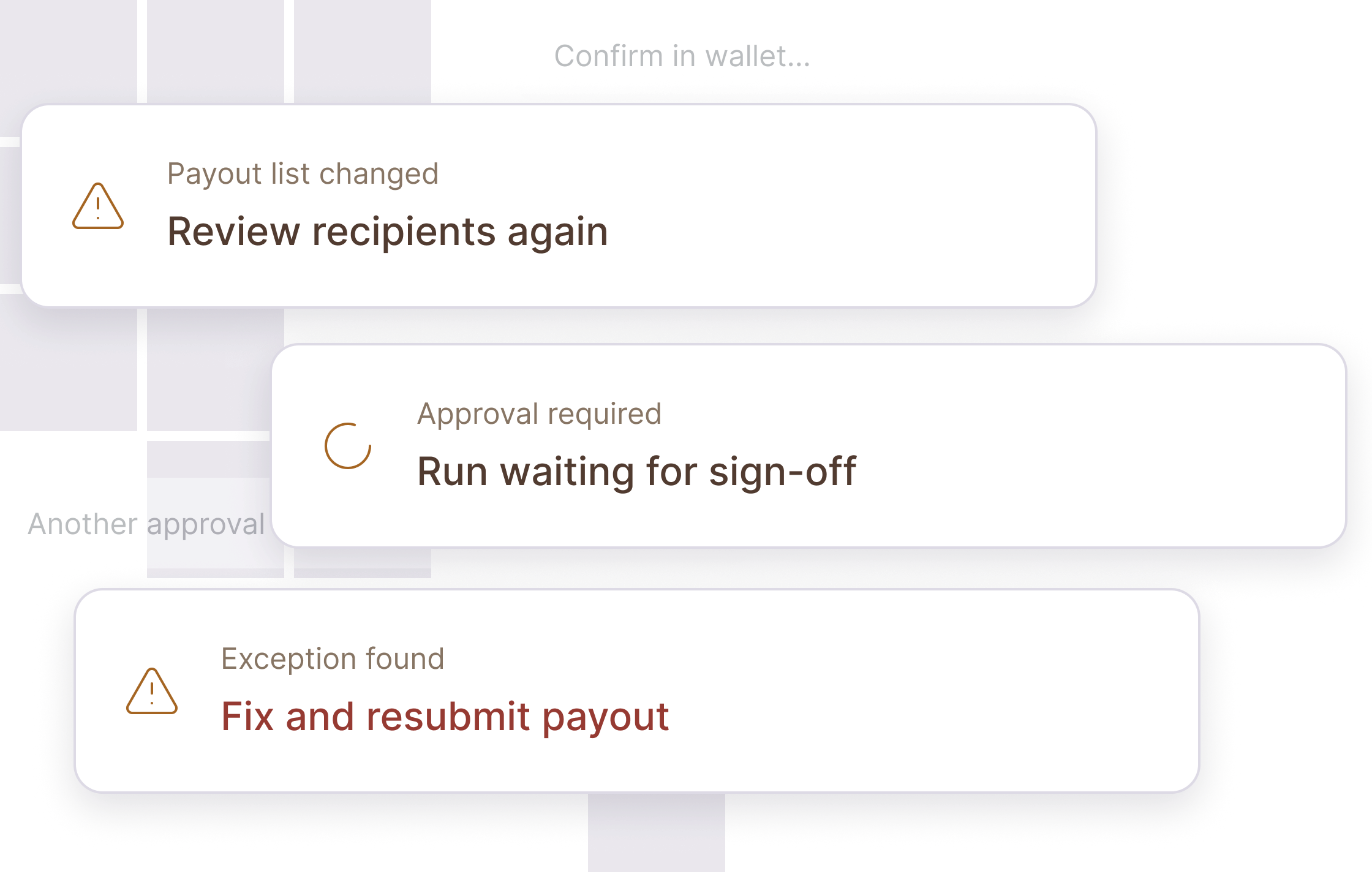
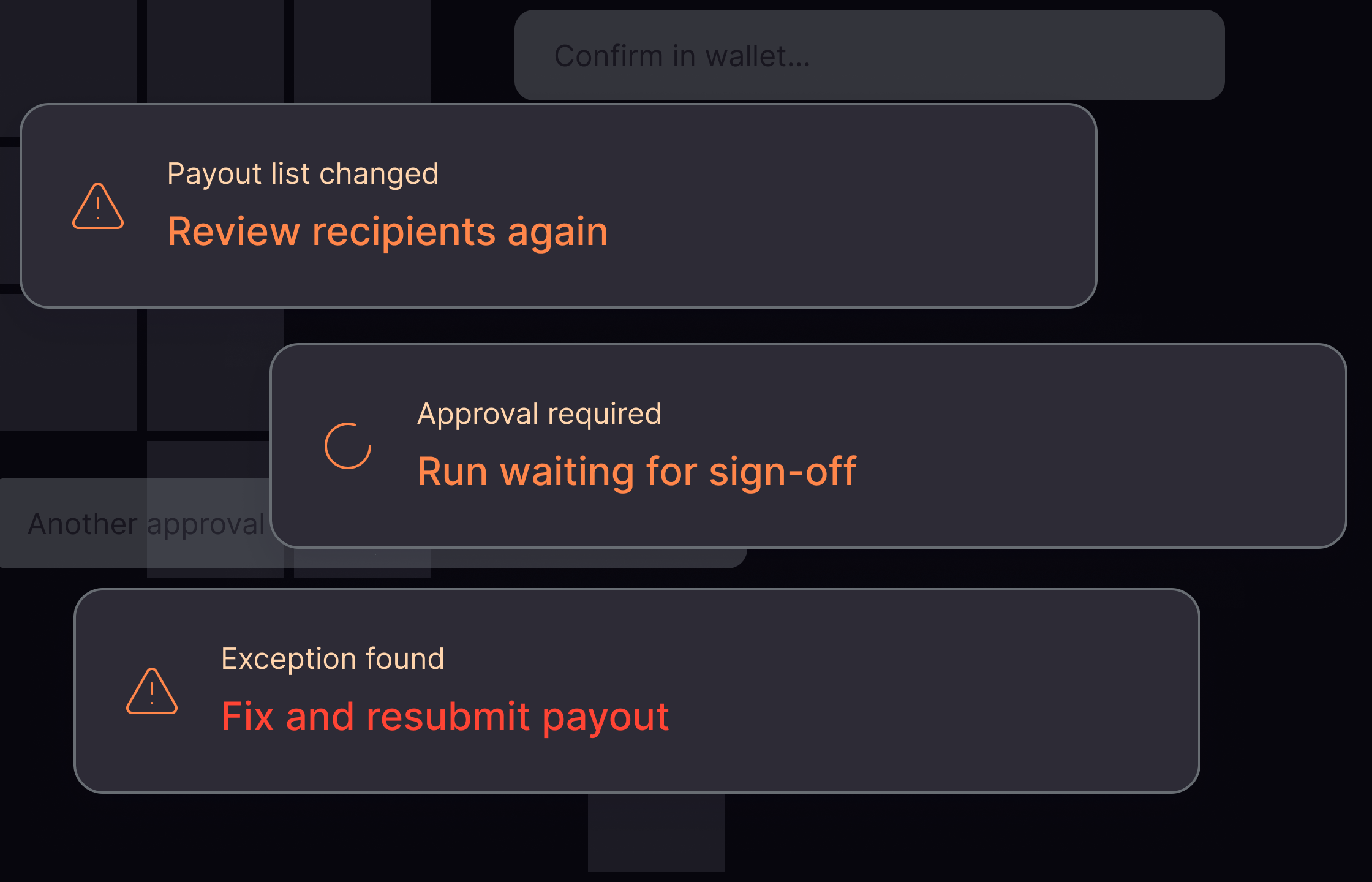
The old way
Lists, reviews, approvals, and exceptions interrupt a repeatable job.
The Polygon OMS way
The wallet permits only payments that match the approved recipients, budget, and window.
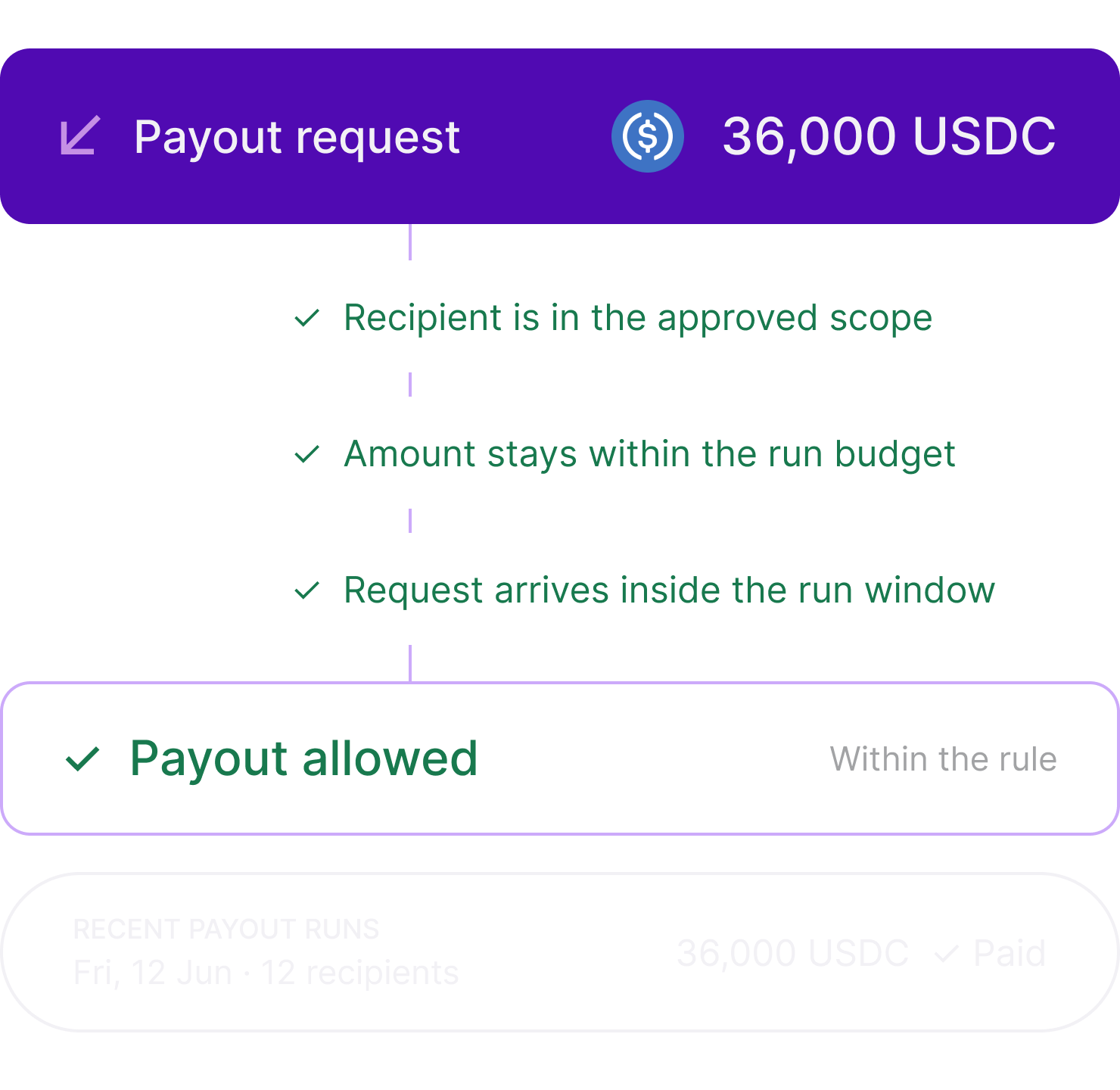
Onchain rules keep every payout within the terms you approve
Approved terms live in the wallet’s onchain Sessions Module. After approval, a backend cannot expand recipient scope, increase the budget, or extend the run.
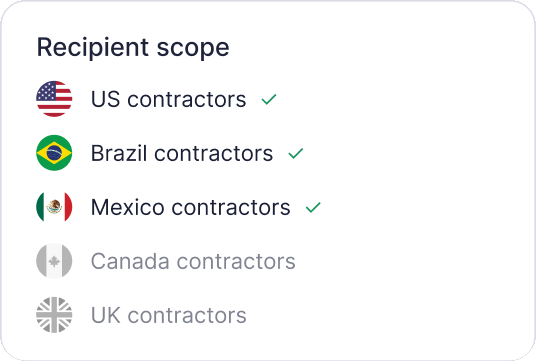
Recipient scope
Approve who the run can pay.
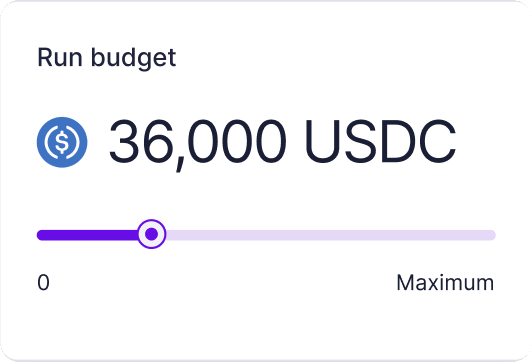
Spend limit
Set the maximum the run can send.
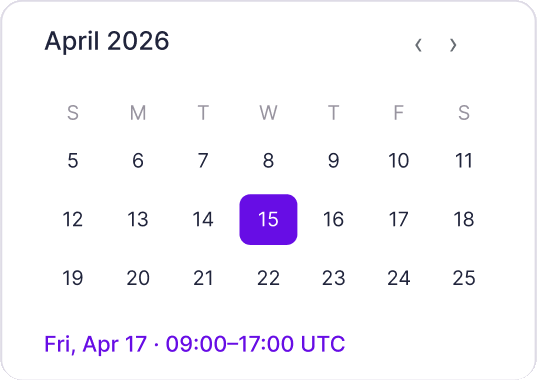
Run window
Set when payouts are allowed.
Off switch
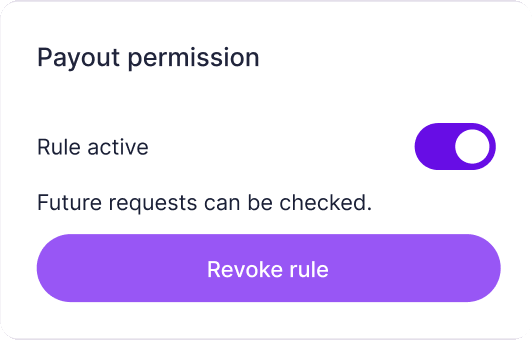
Revoke the active rule.
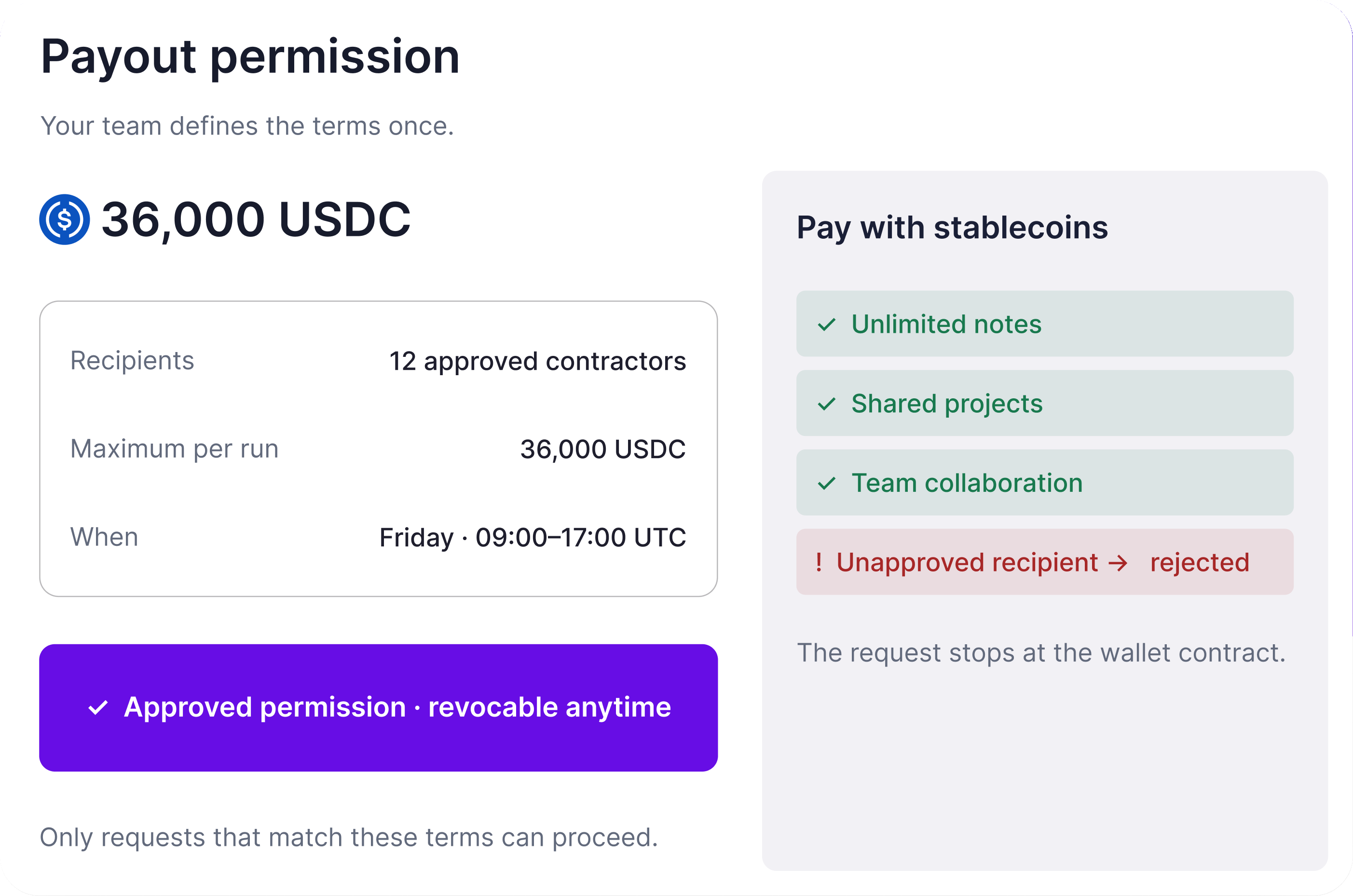
The wallet enforces the rule onchain
A payout run uses a scoped wallet permission. If a request falls outside the approved action, budget, or window, the wallet rejects it at the contract level. Review the permission model.
What happens when the next payout run starts?
Your product requests each payout. The wallet checks every request against the approved rule before funds move.
Step 01
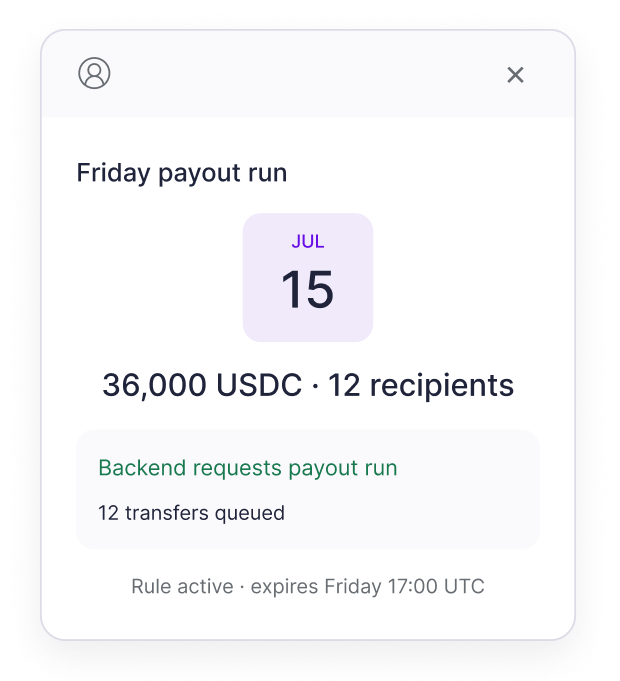
A payout request arrives
Friday payout run
JUL
15
36,000 USDC · 12 recipients
Backend requests payout run
12 transfers queued
Step 02
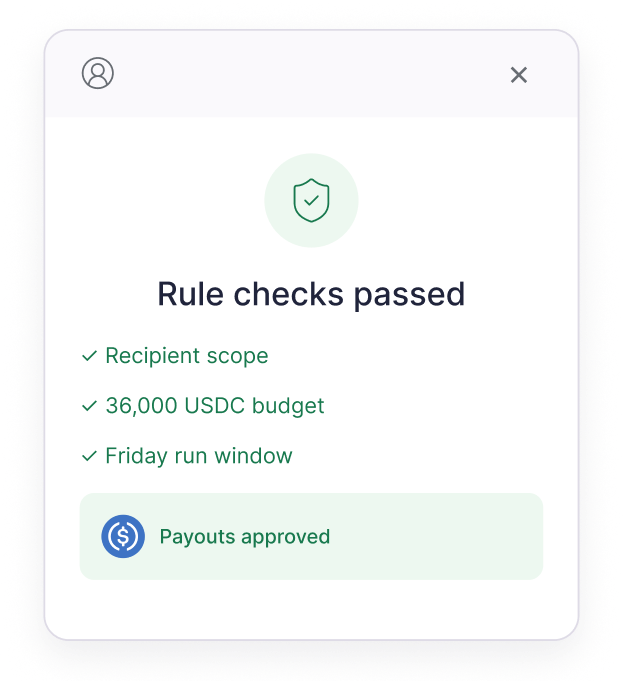
The wallet checks the rule
Rule checks passed
✓ Recipient scope
✓ 36,000 USDC budget
✓ Friday run window

Payouts approved
Step 03
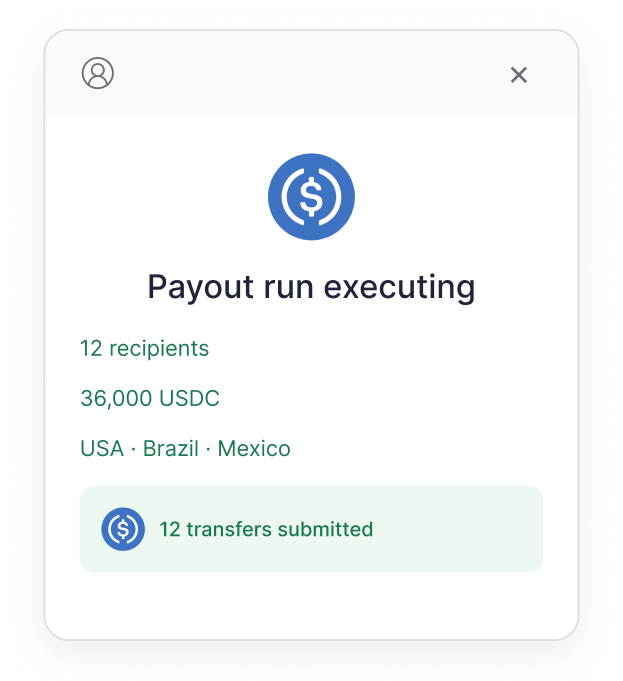
Approved payouts execute
Payout run executing
12 recipients
36,000 USDC
USA · Brazil · Mexico
12 transfers submitted
Step 04
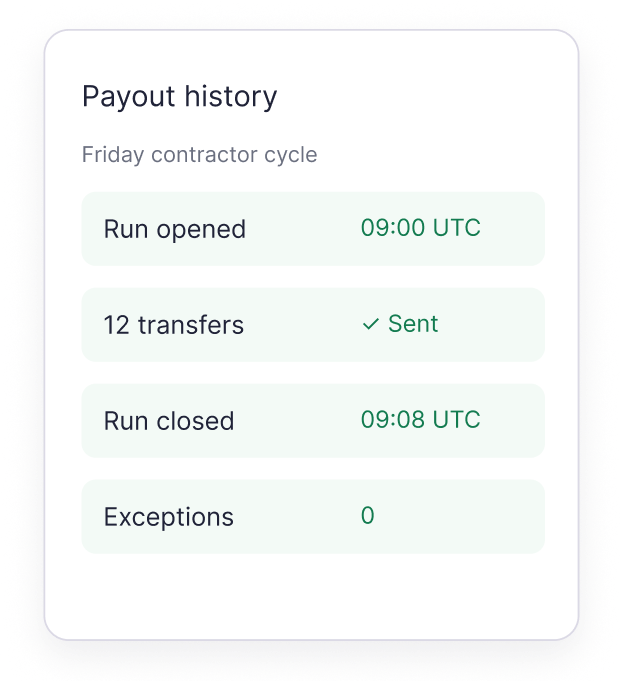
Track each payout
Payout history
Friday contractor cycle
Built for the payout flows you already run
Contractors, sellers, creators, partners, refunds, and rewards all move within terms your wallet owner approves.
- 1
Contractor payouts
Pay recurring contractor runs across approved recipients and corridors.
- 2
Marketplace seller payouts
Settle seller earnings from a platform treasury within approved run terms.
- 3
Creator and affiliate payouts
Pay campaign earnings without approving every transfer.
- 4
Partner settlements
Pay approved partners within set amounts and windows.
- 5
Customer refunds
Return funds through a controlled payout flow with clear status tracking.
- 6
Rewards and disbursements
Send rewards, cashback, or disbursements within a set budget.
FIELDWORK / People operations
Friday payroll
Contractors · September 18, 2026
$36,000.00
12 contractors ready to pay
....
Example company · Scoped wallet approval
Built for the payout flows you already run
Contractors, sellers, creators, partners, refunds, and rewards all move within terms your wallet owner approves.
Contractor payouts
Pay recurring contractor runs across approved recipients and corridors.
Marketplace seller payouts
Settle seller earnings from a platform treasury within approved run terms.
Creator and affiliate payouts
Pay campaign earnings without approving every transfer.
Partner settlements
Pay approved partners within set amounts and windows.
Customer refunds
Return funds through a controlled payout flow with clear status tracking.
Rewards and disbursements
Send rewards, cashback, or disbursements within a set budget.
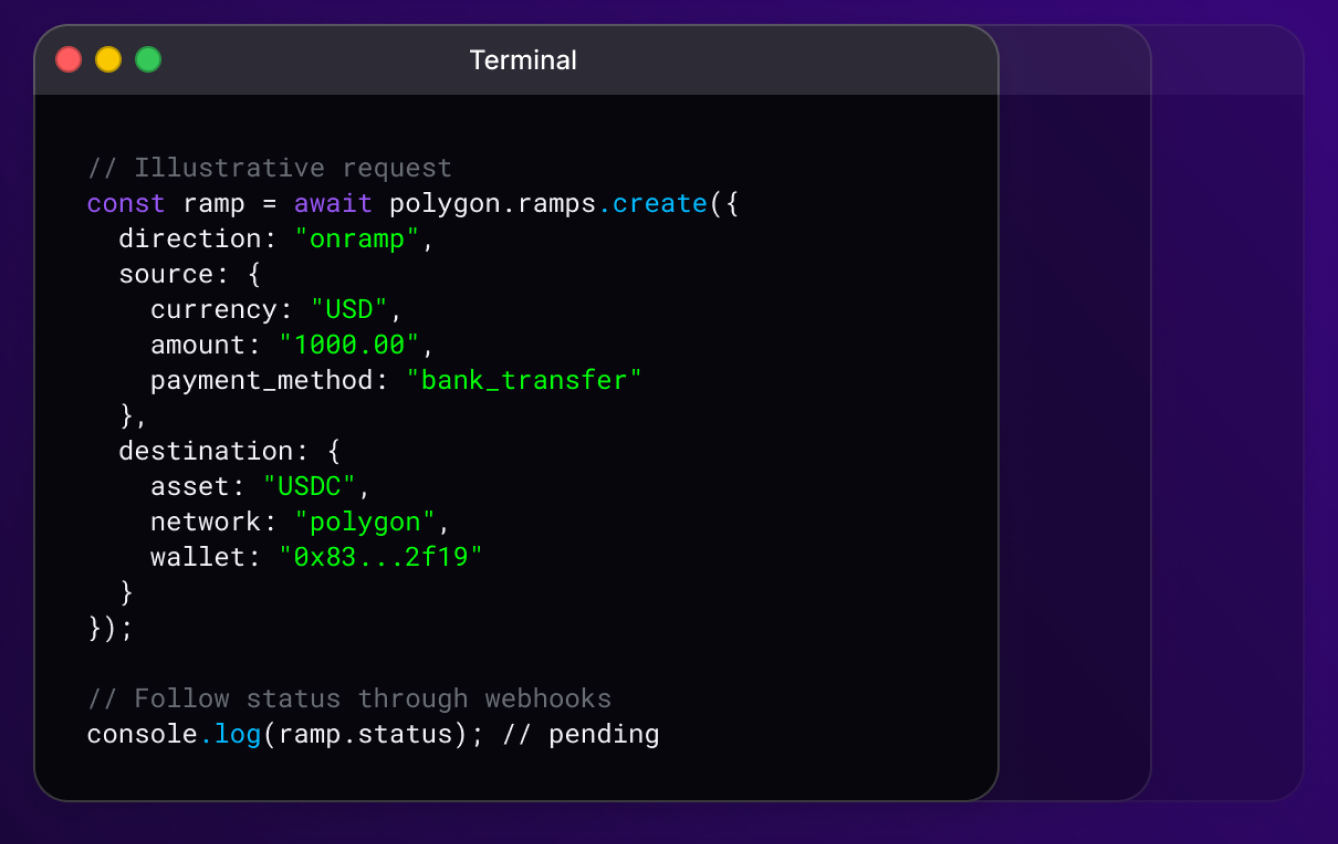
Your payout logic. Our SDKs.
Use OMS Wallet SDKs to collect owner approval, then request bounded transfers from your existing payout workflow. Approved grants are enforced onchain.
Frequently asked questions
If you need help mapping your payout workflow to wallet approvals and payout APIs, talk with the Polygon team.
contact us